




CRM for HVAC Explained: How to Automate, Scale, and Close More Jobs

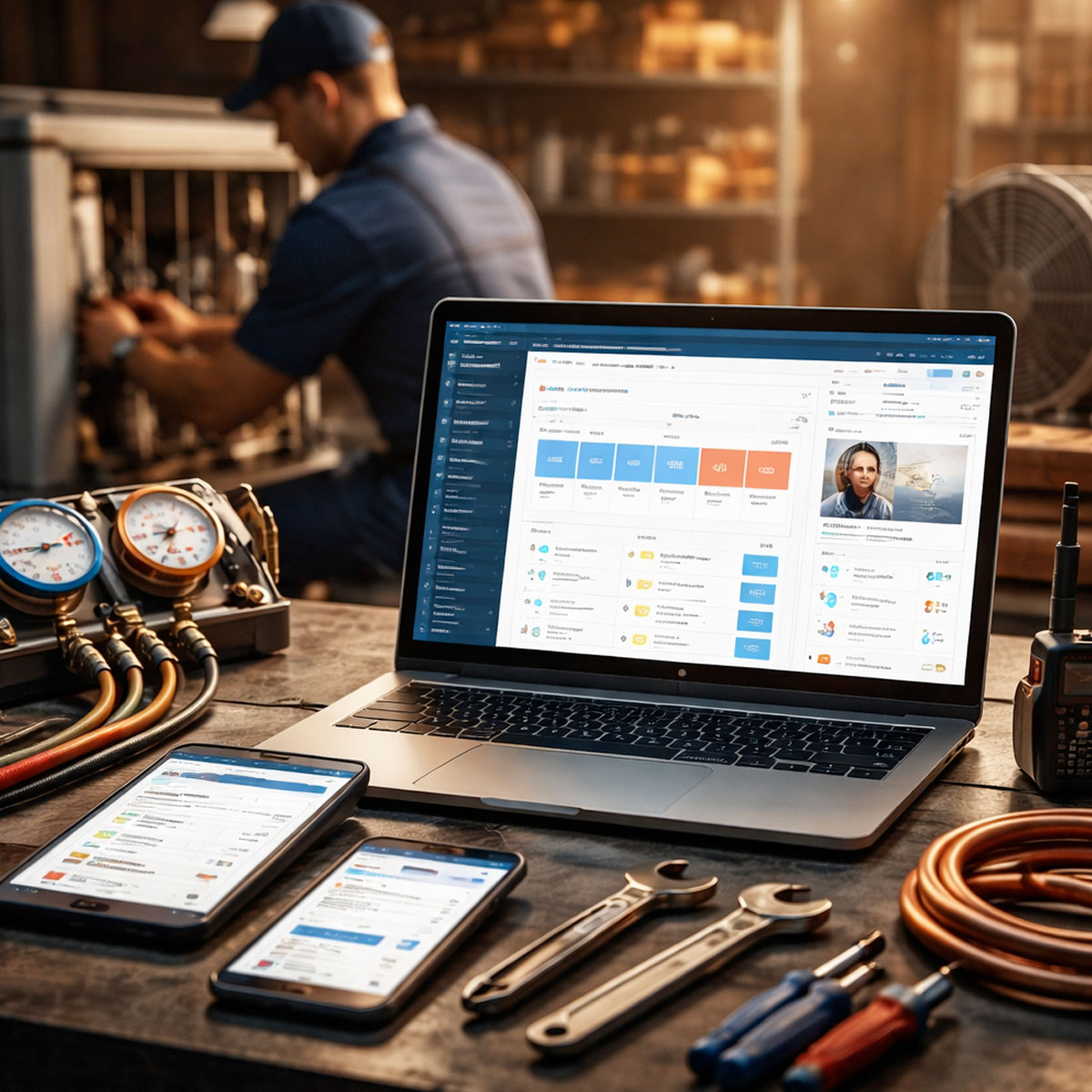
A CRM for HVAC is a system that helps heating and cooling businesses manage customers, track service history, automate follow-ups, and schedule jobs. It acts as a central hub that connects office staff and technicians, so companies can improve efficiency, increase bookings, and deliver better customer service.
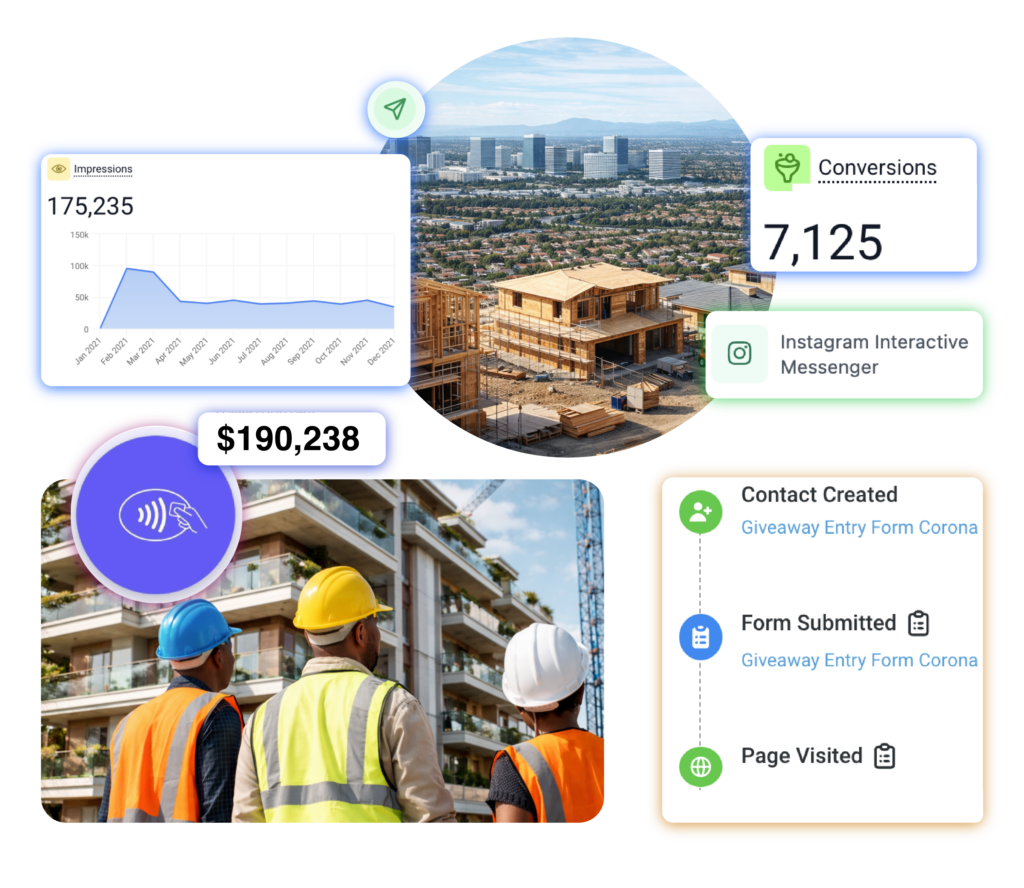
crm for construction orange county and united states
Tools with ONE!
Replace 0 +
Pre-built Templates
FREE 0 +
Hours Saved with Automation
0

What Is a HVAC and Why It Matters

CRM for HVAC is more than a contact database. Instead, it becomes the operational backbone of your business. It connects scheduling, customer communication, job tracking, and payments in one place. Because of that, HVAC companies can reduce missed appointments and improve response times. For an HVAC business, the right Customer Relationship Management (CRM) system acts as a digital “command center” that connects the office to field technicians while automating lead follow-ups and service history tracking. Most importantly, it removes manual work. Therefore, your team spends less time on admin and more time generating revenue.

Core Features Every HVAC
CRM Must Have

When choosing a CRM, features are not optional. Instead, they determine whether the system actually improves your workflow.
CRM for HVAC - Bluestage AI

Mobile Technician Access

Technicians need real-time data in the field. Therefore, a mobile app is essential. They should be able to: View service history Update job status Capture signatures Process payments onsite Without this, your team stays disconnected.

Automated Communication CRM for HVAC - Bluestage AI

Automated Communication

Automation directly impacts revenue. For example, reminders reduce no-shows. Key automations include: Appointment confirmations “On my way” texts Follow-up messages Review requests Because communication is instant, customer satisfaction increases.

Asset & Service History Tracking

Asset & Service History Tracking

HVAC is asset-heavy. Therefore, tracking equipment is critical. A strong CRM allows you to: Store unit serial numbers Track installation dates Monitor warranties Log service history As a result, upsells and repairs become easier and more accurate.
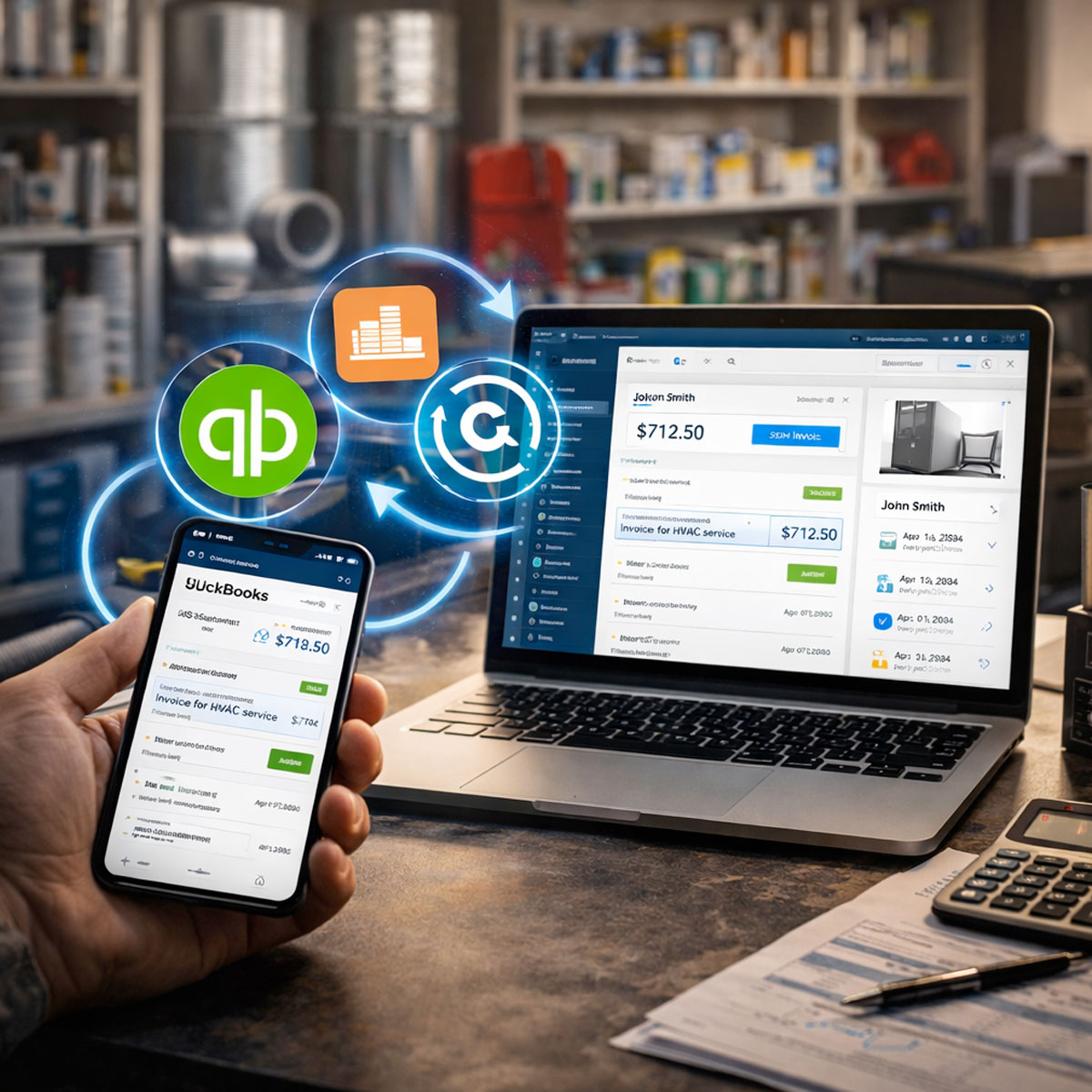
Accounting Integration

Accounting Integration

Manual data entry wastes time. Therefore, integration is non-negotiable. Look for syncing with: QuickBooks Xero This ensures invoices, payments, and reports stay consistent.
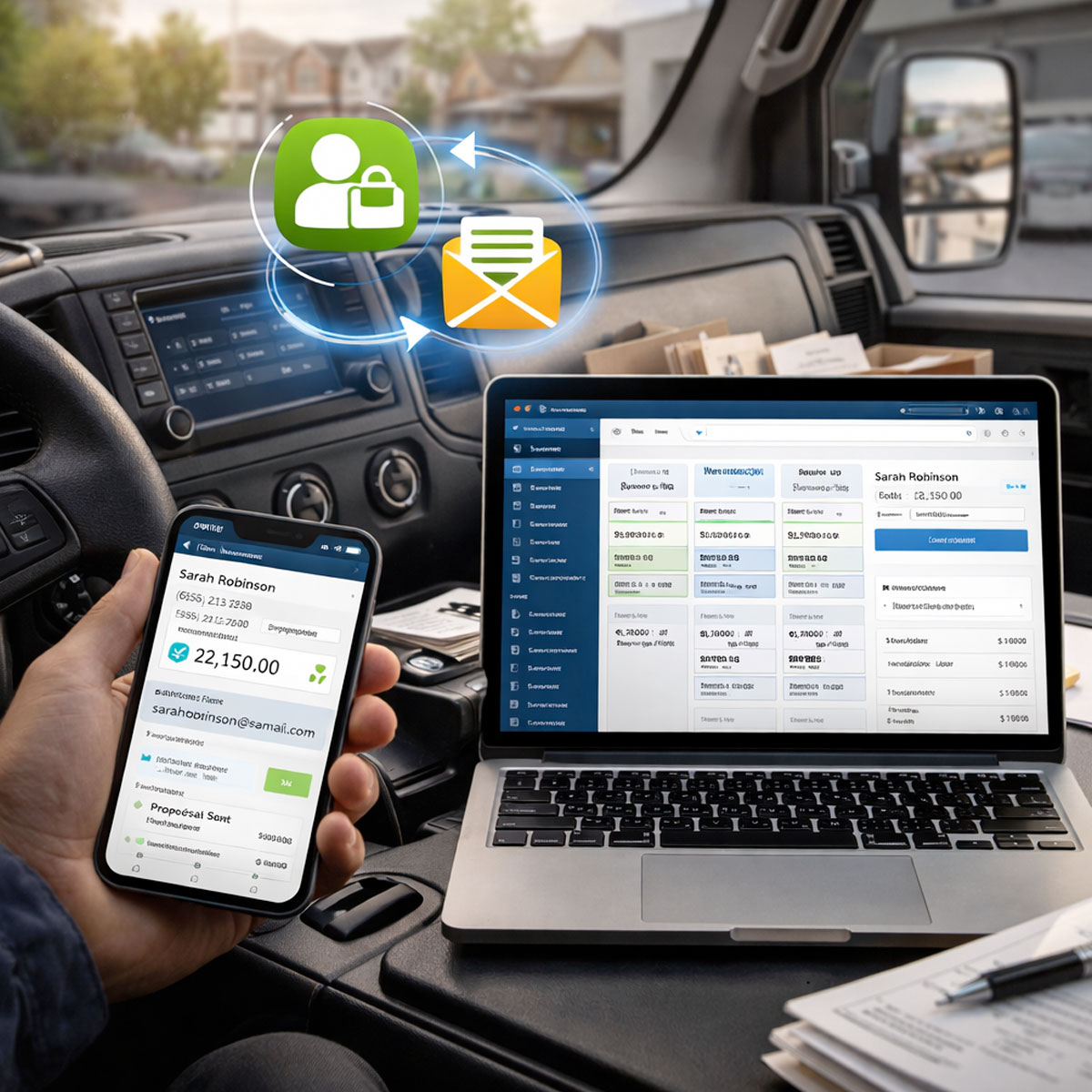
Lead & Proposal Management

Lead & Proposal Management

Revenue starts with leads. However, many HVAC companies lose them due to poor tracking. A CRM should: Capture incoming leads Track pipeline stages Send proposals Enable digital signatures Because of this, your close rate improves.
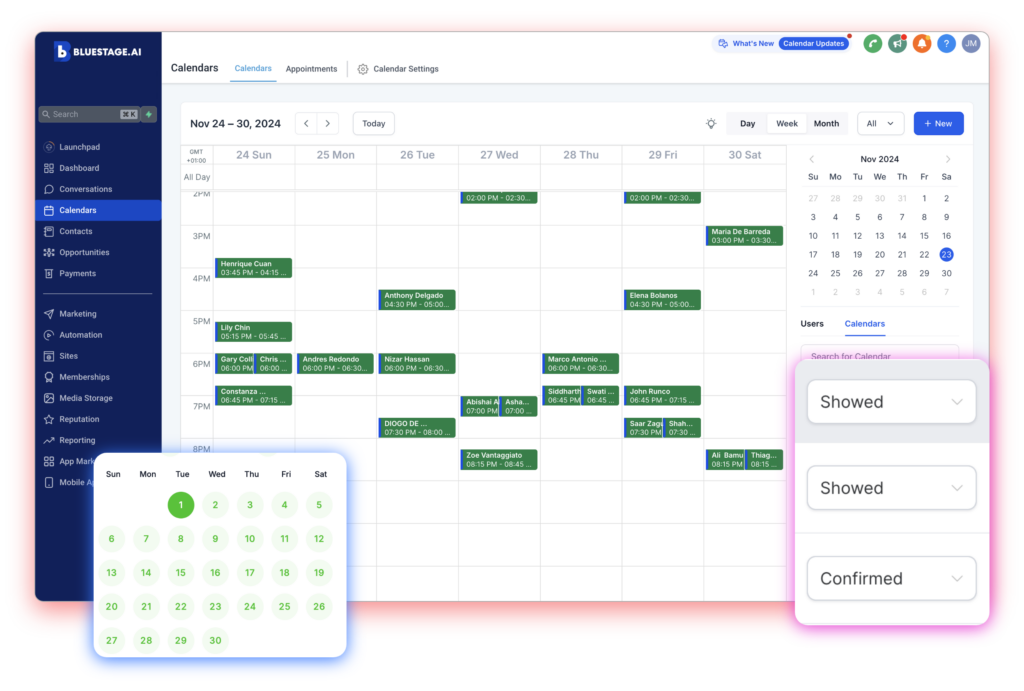
What Changes After Bluestage

When Bluestage is implemented, everything tightens up. Leads are contacted faster, estimates close at higher rates, and your entire job pipeline becomes organized and visible in one place. Follow-ups and reminders run automatically, generating more 5-star reviews, repeat customers, and predictable revenue tracking. This isn’t just another CRM, it’s infrastructure built for serious contractors who want control and growth.

All the Tools Inside the Bluestage Platform

Customer / Audience CRM

Organize leads in one secure, multi-lingual software. Create profiles, and track activity like never before.

Email Marketing

Design emails that people actually want to open. Done-for-You templates that are tested to increase Click Through Rate.

Calendar Scheduler

It's smart scheduling, seamless coordination with unlimited calendars, and automation.

SMS Bulk Text Blaster

Connect with your audience instantly through 2-way bulk SMS text messaging.

WhatsApp Bulk Sender

Enable WhatsApp messages for your audience - send to thousands instantly.

Sales Funnels

Streamline your sales funnels with automated lead capturing and follow-ups.

Workflow Automation

Automate tasks that take you time - lead follow-ups, reminders - ALL AUTOMATED

Landing Pages

Design landing pages or websites that convert traffic into leads.

Online Courses

Launch online courses while collecting payment upfront, or simply create subscriptions.

Surveys & Forms

Turn every interaction into an opportunity with branded Forms + Surveys for lead capturing.

Chatbot 24/7

Chatbot is a live, 24/7, smart, always-on chatbot that enhances support, captures leads, and streamlines bookings—automatically.

Tracking & Analyrics

Track and analyze your marketing campaigns, giving you a roadmap on what is working and what needs improvement.

How CRM Improves HVAC Operations

Most HVAC companies struggle with coordination. However, CRM systems solve this at scale.

CRM for HVAC vs Traditional Methods​

CRM for HVAC vs Traditional Methods

Traditional systems rely on spreadsheets and phone calls. However, they break under scale.
Aspect Traditional Method CRM for HVAC
Scheduling Manual Automated + visual
Communication Phone/email only SMS, automation, reminders
Data Tracking Disorganized Centralized
Reporting Limited Real-time insights
Scalability Difficult Built for growth
Because CRM centralizes everything, it eliminates operational chaos.

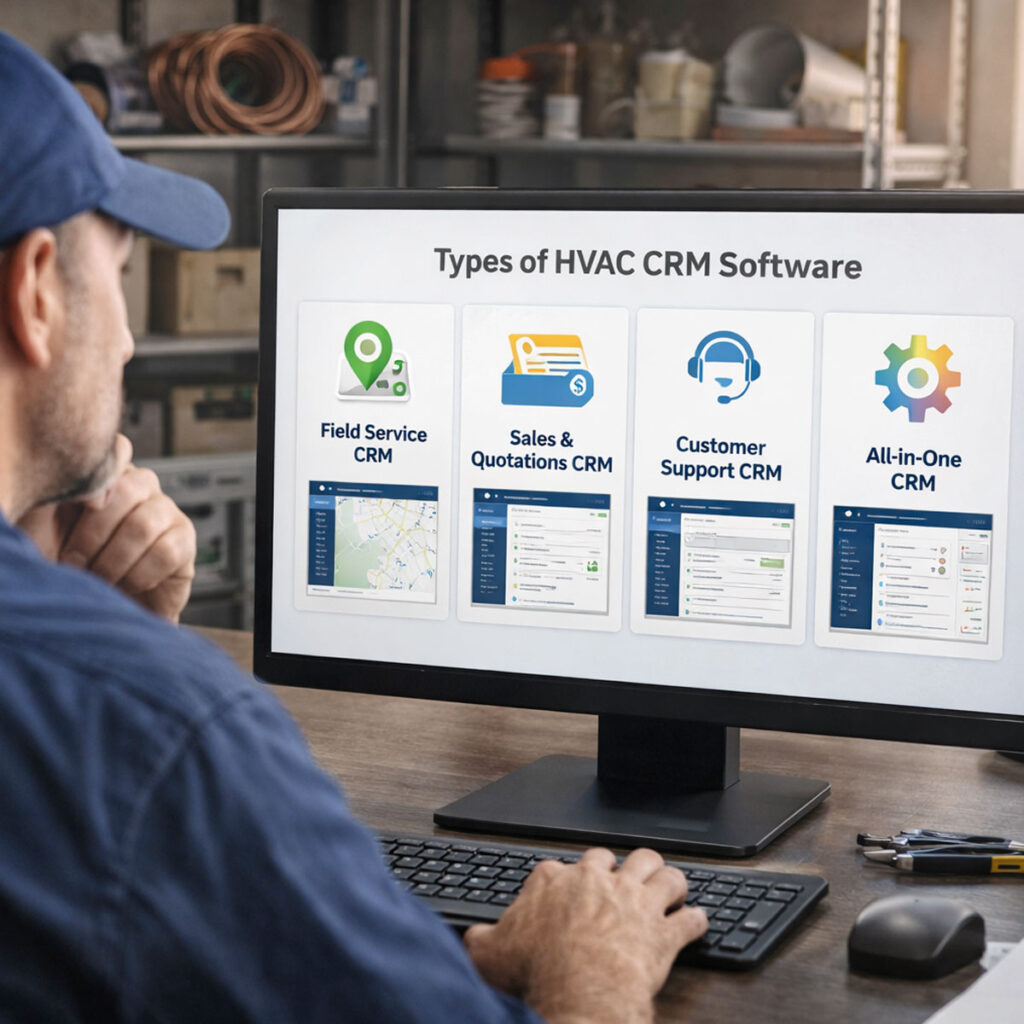
Not all CRMs are equal. Therefore, understanding types helps avoid costly mistakes.

All-in-One CRM Platforms

These combine marketing, sales, and operations.

Best for:

  • Growing HVAC companies
  • Teams needing automation

Field Service Management Software

These focus on scheduling and dispatch.

Best for:

  • Service-heavy businesses
  • Larger technician teams

Industry-Specific HVAC CRM

These are tailored for HVAC workflows.

Best for:

  • Companies needing asset tracking
  • Businesses focused on maintenance contracts

Types of HVAC CRM Software

Types of HVAC CRM Software
How to Choose the Right CRM for HVAC

How to Choose the Right CRM for HVAC

Choosing a CRM is not about features alone. Instead, it’s about fit. Evaluate Your Business Size Small teams need simplicity. However, larger teams require automation and reporting. Therefore, choose a system that scales with you.

Focus on Ease of Use

If your team won’t use it, it fails. Therefore, usability matters more than complexity.

Look for:

  • Clean dashboards
  • Mobile-friendly design
  • Simple workflows

Prioritize Automation

Manual processes limit growth. Because of that, automation should be a priority.

Focus on:

  • Lead nurturing
  • Appointment reminders
  • Follow-ups

Check Integration Capabilities

Your CRM must connect with your tools. Otherwise, you create more work.

Ensure compatibility with:

  • Accounting software
  • Marketing tools
  • Payment processors

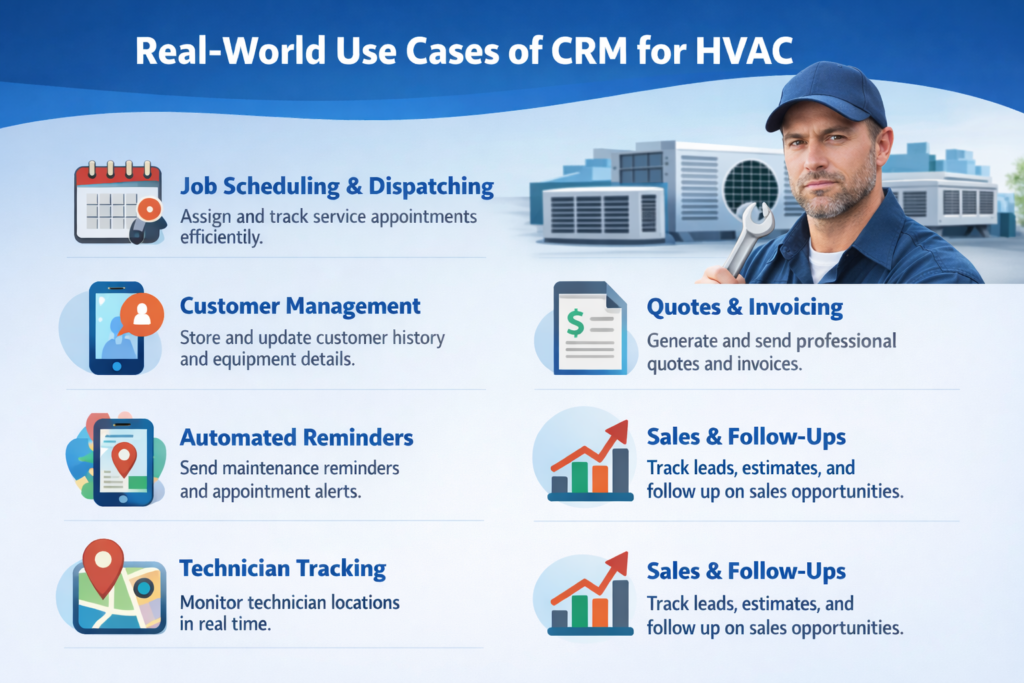
Real-World Use Cases of CRM for HVAC

Residential HVAC Companies

These businesses rely on volume. Therefore, automation is critical.

CRM helps:

  • Book more jobs
  • Reduce no-shows
  • Increase repeat customers

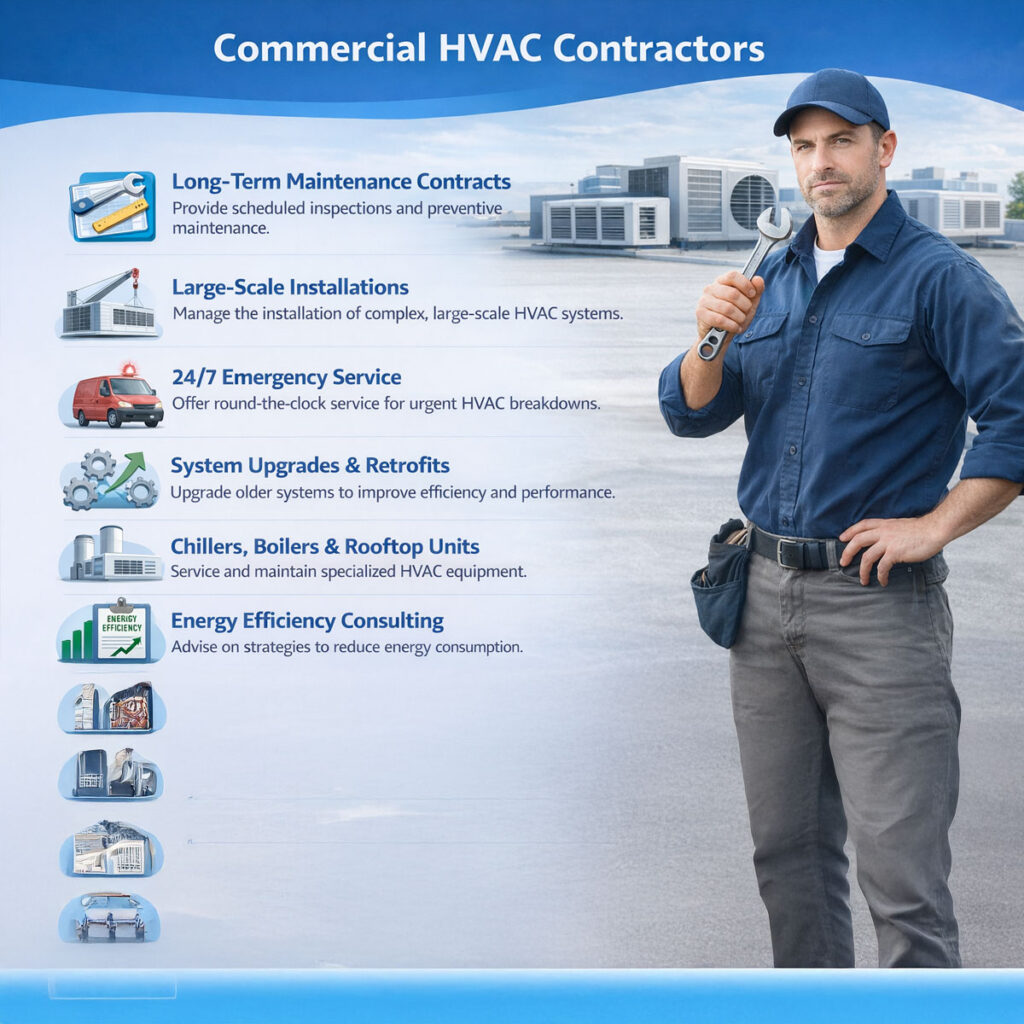
Commercial HVAC Contractors

Commercial work requires coordination. Therefore, data tracking becomes essential.

CRM supports:

  • Contract management
  • Asset tracking
  • Multi-location service

Maintenance Plan Businesses

Recurring revenue drives stability. Because of that, CRM automation is powerful.

It enables:

  • Renewal reminders
  • Scheduled service visits
  • Customer retention
Common Mistakes When Choosing an HVAC CRM

Common Mistakes When Choosing an HVAC CRM

Choosing Based on Price Alone

Cheap systems often lack critical features. Therefore, they cost more long-term.

Ignoring Technician Experience
Field usability matters. If technicians struggle, adoption fails.

Overlooking Automation
Without automation, growth stalls. Therefore, manual systems limit scalability.

Not Planning for Growth
Your CRM should evolve with your business. Otherwise, you’ll need to switch later.

CRM for HVAC and Marketing Automation

Marketing and CRM must work together. Because of that, integration is essential.

CRM supports:

  • Email campaigns
  • SMS marketing
  • Lead nurturing

As a result, you generate more consistent demand.

CRM for HVAC and Marketing Automation

FAQs

Frequently Asked Questions

The best CRM depends on your needs. However, it should include scheduling, automation, and mobile access. Most importantly, it must be easy for your team to use daily. Systems that combine marketing and service tools usually deliver the best results.

Pricing typically ranges from $30 to $300 per month. Smaller teams can start with basic plans. However, growing businesses benefit from mid-tier or advanced systems with automation and integrations.

Yes, a CRM improves sales by tracking leads and automating follow-ups. Because of this, no opportunities are missed. Additionally, faster response times increase conversion rates.
Yes, mobile access is essential. Technicians need job details, service history, and payment tools in the field. Without this, efficiency drops and communication gaps appear.
No, even small businesses benefit from CRM systems. In fact, automation helps small teams compete with larger companies. Therefore, adoption at any stage improves operations.
Key features include scheduling, automation, service history tracking, and mobile access. Additionally, integrations with accounting tools are critical for smooth operations.